

Configure Gateway Currencies
Customise your business checkout experience by choosing which currencies and payment methods are available to your customers. By managing these preferences, you can ensure your customers see the most relevant payment options for their region, helping to increase conversion rates at checkout. Follow these steps to customize your payment settings:
- Access Preferences:
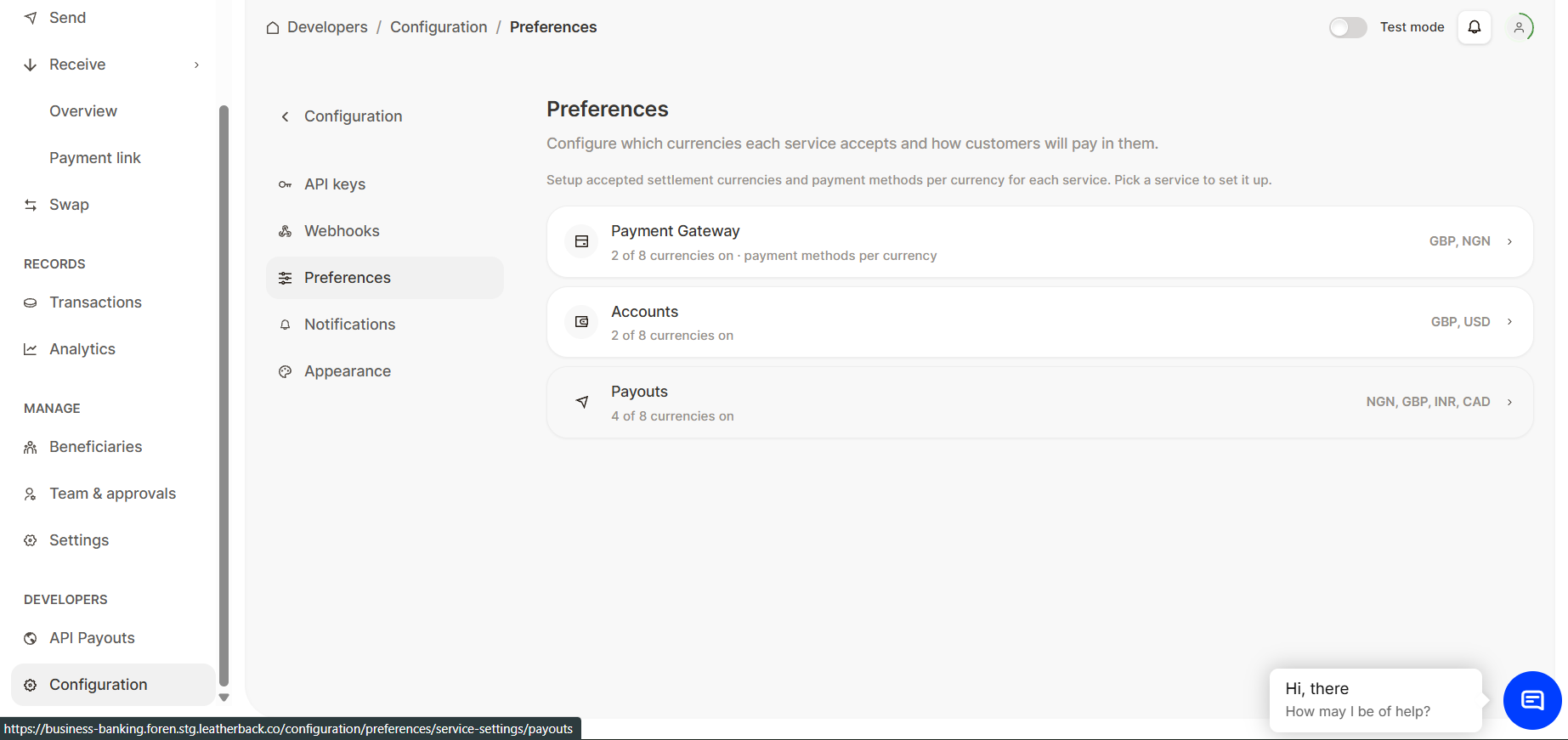
Login to the FOREN Dashboard and Locate Developer Settings: On the left navigation bar, scroll to the bottom and click Configuration under the Developers section. Click the Preferences tab.
- Open Payment Gateway:
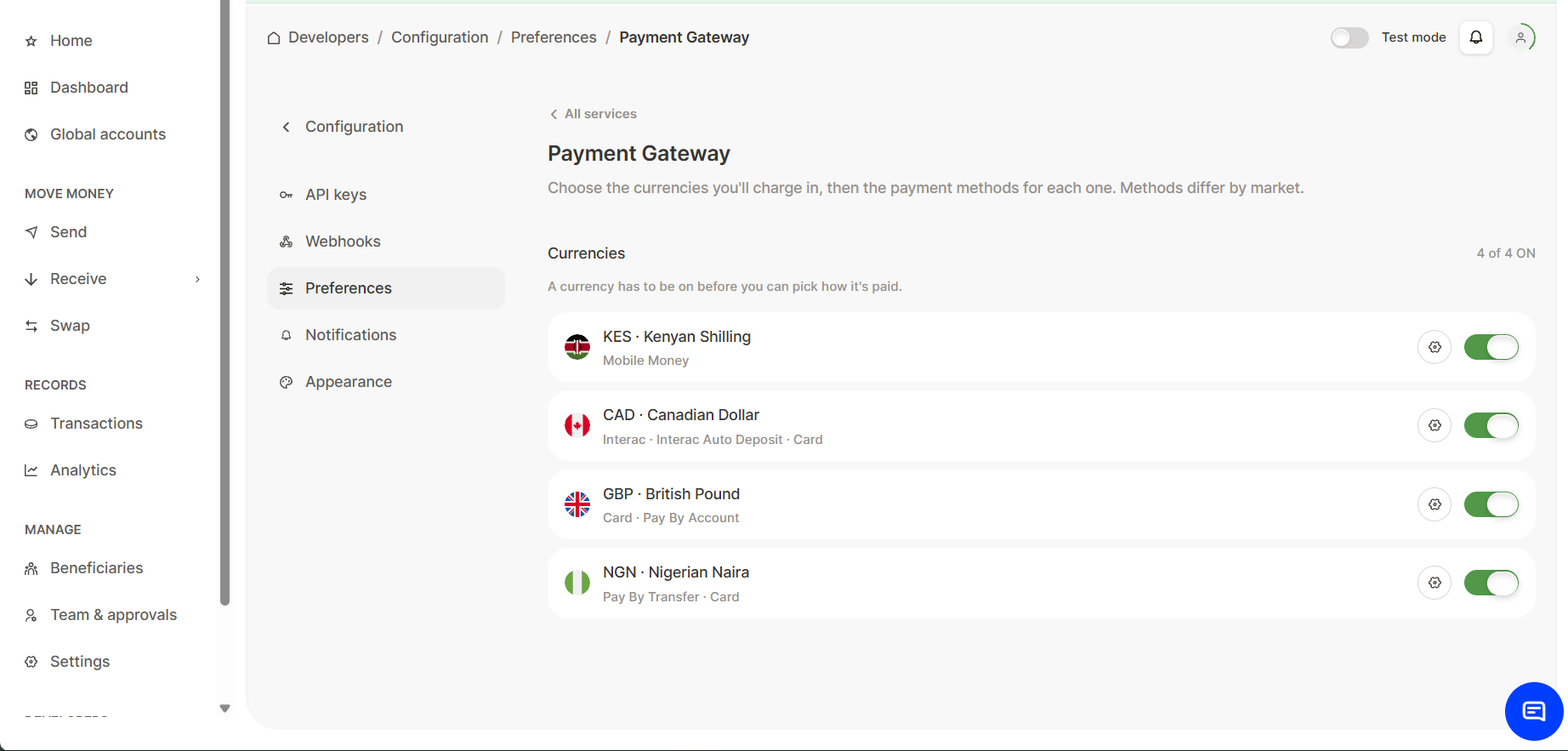
From the Preferences page, click on the Payment Gateway tab.
Updated 15 days ago
What’s Next
Did this page help you?